Free QR Code Generator , Create Custom QR Codes Instantly

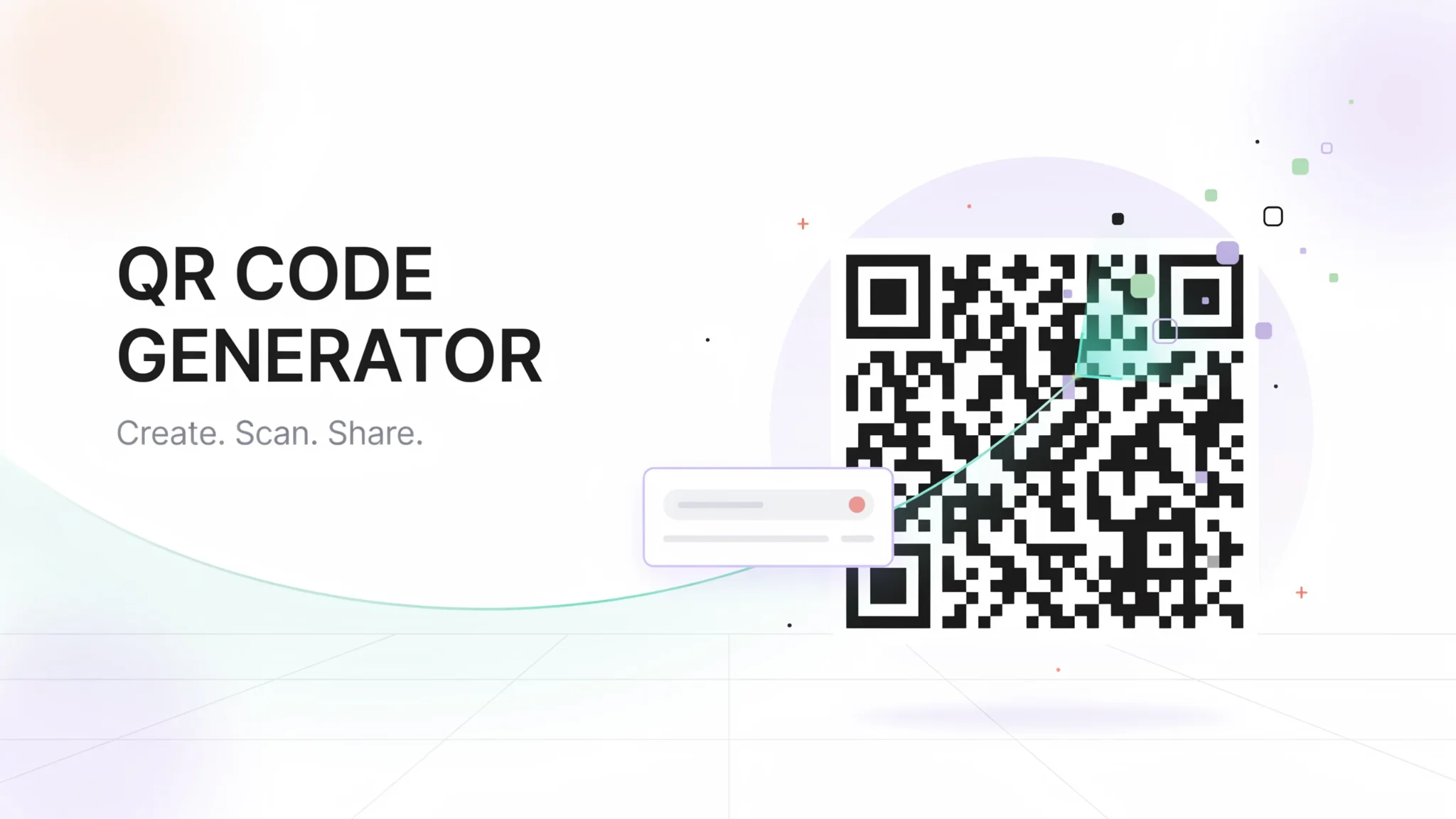
TL;DR: FileReadyNow’s QR Code Generator is a free, no-signup tool that lets you create custom QR codes for URLs, text, and more. Pick colors, adjust border and size, and download as PNG or SVG. It’s built for speed: type your content, see a live preview, and grab your code in seconds.
You need a QR code. Not tomorrow, not after signing up for yet another service. You just need a code that works, right now. The QR Code Generator at FileReadyNow solves that exact problem. You open the page, type what you want the code to contain, and a working QR code appears on your screen. No account creation, no credit card, no endless feature boxes. Just a live preview that updates as you edit. Whether you're adding a link to a flyer, sharing a Wi-Fi password with guests, or dropping a phone number onto a business card, this tool gets out of your way so you can get your QR code and move on. I once needed a QR code for a weekend market sign, and this tool had it ready before I could brew my coffee.
What Can You Encode with This QR Code Generator?
You can encode almost any type of short data: URLs, plain text, email addresses, phone numbers, SMS message templates, and even Wi-Fi credentials. The tool processes whatever you type into the input field and instantly generates a scannable QR code.
Here are the most common uses:
- URLs: Link to websites, online menus, or event registration pages.
- Plain text: Display a short message, a coupon code, or a product ID.
- Email: Open a pre-filled email draft in the user's mail app.
- Phone number: Trigger a call on any smartphone with one scan.
- SMS: Pre-type a text message so the recipient just hits send.
- Wi-Fi credentials: Let guests connect to your network without typing the password.
One thing to keep in mind: very long strings make the QR code pattern denser. If you want to print the code on small labels, it's smart to shorten your URL first using a link shortener.
How Do I Customize the QR Code’s Design?
You can change the QR color, border color, border size, overall QR size, and even border radius to match your brand colors or design. All adjustments appear in a live preview, so you see exactly what you’ll download before you commit.
The color pickers let you go beyond the standard black-and-white. I've matched the QR code to a client's hex brand color in seconds, and the downloaded file looked perfectly on-script. The border size slider helps you keep a clean quiet zone, which some scanners rely on. The border radius adds soft rounded corners if your print material has that modern look.
One honest limitation: you can't embed a logo or an image directly inside the QR code on this page. If you need a QR code with a company logo in the center, you'll have to download the code from here and overlay the logo using a separate image editor. That extra step can be worth it for full brand control, but this tool focuses on getting a working, stylish code fast.
How Large Should I Make My QR Code for Print?
The tool lets you pick the QR size in pixels, but the real-world print size depends on the dots per inch (DPI) you use when printing. A good rule of thumb is to keep the QR code at least 2 x 2 cm (about 0.8 x 0.8 inches) for close-range scanning, and scale up for posters or outdoor signs.
I’ve printed a QR code for a restaurant table tent using the PNG at 300x300 pixels, and it scanned perfectly from menu distance. For large-format prints, downloading as an SVG solves any size concerns, because vectors scale losslessly to any dimension.
Can I Download the QR Code as a Vector File?
Absolutely. The download menu gives you two options: PNG for quick placement in documents or social media, and SVG for anything that might be resized later. SVG is a vector format that stays razor-sharp no matter how much you stretch it.
The PNG works immediately in Word, Google Docs, or any image tool. The SVG can be opened in Illustrator, Inkscape, or even a web browser. For a recent banner project, I used the SVG from this tool and scaled it to 50 cm wide with zero quality loss. That peace of mind is hard to beat.
Is This QR Code Generator Really Free and No Signup?
Yes, completely. FileReadyNow’s QR Code Generator has no paywalls, no trial countdowns, and no requirement to create an account. You generate a QR code and download it immediately, as many times as you want, without ever handing over an email address.
Here’s how it stacks up against what many design platforms offer:
| Feature | FileReadyNow QR Code Generator | Typical Design Tool (e.g., Adobe Express) |
|---|---|---|
| Free to use | Yes, unlimited | Often limited or watermarked on free tier |
| Account required | No | Yes, usually |
| QR color and size customization | Yes | Yes |
| Logo overlay built in | No (add later) | Yes |
| Download formats | PNG, SVG | PNG typical, SVG may need subscription |
| Live preview while editing | Yes | Usually |
For a quick, no-strings-attached QR code, the FileReadyNow option wins on simplicity. The design tools pull ahead if you need a branded logo embedded in a single workflow, but they often come with signup hurdles.
How Do I Use the QR Code Generator?
Using the tool takes three steps: type your content, tweak the look if you want, and hit Download. The QR code updates live as you type, so there’s no guesswork.
- Go to the free QR code generator.
- Enter your text or URL in the field.
- If you want, change the QR color or border color using the color pickers.
- Use the sliders to adjust size, border size, and border radius.
- Check the live preview. Make edits until you’re happy.
- Select PNG or SVG from the download dropdown and click Download QR Code.
The file saves instantly to your computer, ready to drop into any project.
The FileReadyNow QR Code Generator is the kind of tool that respects your time. It doesn’t ask for a login, doesn’t surprise you with a limit, and doesn’t hide the download behind a “premium” badge. If you need a QR code for a menu, a flyer, a Wi-Fi sign, or your next side project, generate your QR code today and keep moving. And when you want to tackle the next task, check out more Productivity Tools that work the same way, fast, free, and no nonsense.
Frequently Asked Questions
Is the QR Code Generator completely free?
Yes, it’s free with no hidden charges or subscriptions. You can create and download as many QR codes as you need, whenever you need them.
Will QR codes from this tool ever expire?
No, they are static and never expire. They continue working as long as the encoded content, like a URL, stays active.
Do I have to sign up or log in?
No registration or login is required. The tool runs in your browser and lets you generate codes instantly without creating an account.
Can I use the QR codes for commercial projects?
Yes, they’re fine for both personal and commercial use, including marketing campaigns, product packaging, and business cards.
Are these QR codes safe to scan?
Yes, the tool generates standard QR codes that work with all major scanning apps and smartphone cameras. They don’t contain any hidden tracking or malware.
Table of Contents
Recent Posts

PDF to JPG Blurry? How to Convert a PDF Page With Sharp Text
5 days ago
HEX vs RGB vs HSL vs CMYK: Which Color Code Should You Use?
1 week ago
Video Converter Online Free: Which Format to Pick and Why
2 weeks ago
Audio Trimmer Online Free: Cut, Keep, or Remove Any Section
2 weeks ago
How Strong Should Your Password Actually Be in 2026?
3 weeks ago
HEIC vs JPG: Which Should You Actually Use?
1 month ago