Free SMTP Checker: Test Email Server Configuration & Blacklist

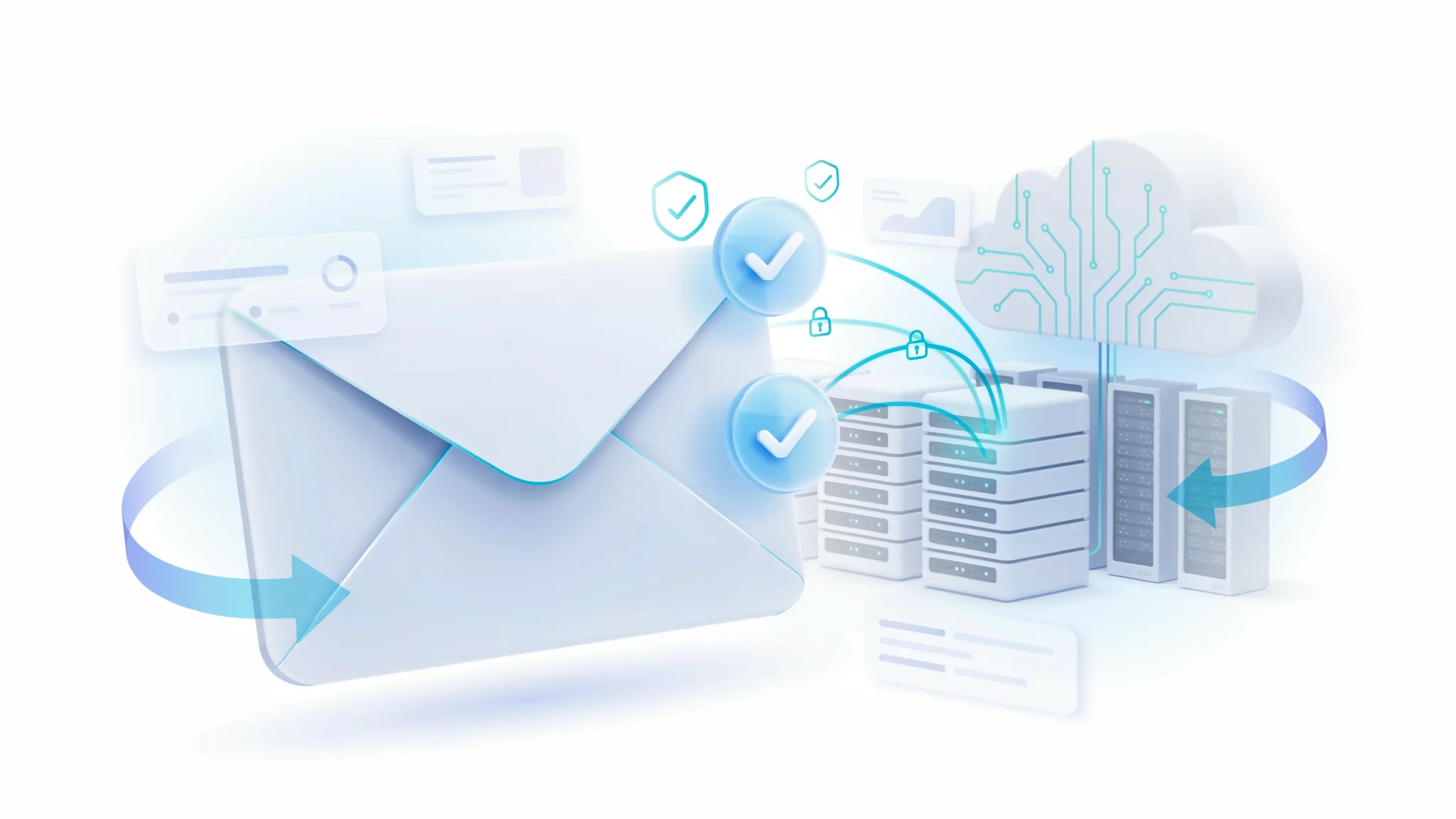
TL;DR: The FileReadyNow SMTP Checker is a free, browser-based tool that tests your email server’s connectivity, authentication, blacklist status, and deliverability in one go. No account or technical skills needed. Just enter your domain or SMTP host, pick a port, and run a quick check or a full security and blacklist scan. You get a clear deliverability score out of 100 plus actionable recommendations.
You’ve set up your email server or tweaked your SMTP settings, but emails still bounce or land in spam folders. The real question is whether your server is even reachable and configured correctly. That’s where the SMTP Checker on FileReadyNow saves you hours of guesswork. It’s a free, instant tool that connects directly to your mail server and tells you exactly what’s working and what’s broken. I’ve used it myself when switching email providers for a small business site. Instead of pinging support back and forth, I just entered the new SMTP hostname, chose port 587 with Quick Check, and within seconds saw that my TLS handshake was failing because I’d missed a firewall rule. The tool doesn’t just say ‘failed’; it shows you error codes and lets you test every common port. You can even run a full comprehensive analysis that digs into DNS records, authentication methods, and blacklist reputation, then gives you an email deliverability score out of 100. No signup, no hidden fees, just results.
What Exactly Does This SMTP Checker Do?
An SMTP checker tests your mail server’s connectivity and verifies if it can send and receive emails properly. But this one goes further: it checks authentication, TLS/SSL support, DNS records, and blacklist status to compute an email deliverability score. Unlike a simple ping test, this checker actually negotiates an SMTP session with your server. It tells you if the server is listening on the port you specified, whether it advertises STARTTLS or SSL, and if it accepts your authentication credentials. The comprehensive mode then goes on to pull your domain’s SPF and DKIM records, scan your server’s IP against dozens of public blacklists, and flag any weak encryption or open relay risks. In the end, you see a single deliverability score (0, 100) plus a list of recommendations. Keep in mind that while this tool spots configuration issues that directly cause bounces, it won’t tell you whether a specific message will land in the inbox versus the spam folder, that still requires an actual inbox placement test. But fixing the problems it finds almost always improves deliverability.
How to Run a Quick SMTP Check in Seconds
Enter your email address, domain name, or SMTP server hostname, pick a port, and click ‘Check SMTP’. The quick check mode returns server status, TLS support, and a basic deliverability indicator in under 10 seconds.
Here’s the exact flow:
- Type your mail server hostname (like smtp.yourcompany.com) or just your domain.
- Select a port: 587 is recommended for TLS submission.
- Choose the Quick Check mode.
- Hit the Check SMTP button.
- Read the result: green indicators for reachable, TLS supported, authentication accepted; red for failures with error details.
The quick mode is perfect for daily checks after DNS changes or certificate renewals. Run your first quick test on the free SMTP checker page right now.
What Does the Comprehensive Analysis Include?
Comprehensive mode adds DNS record validation (SPF, DKIM, DMARC), blacklist monitoring, encryption strength tests, and a full deliverability report with a numeric score. It’s a complete server health audit that takes just a few seconds longer than a quick check. Here’s what you’ll see:
- Server Status & Connectivity: Whether the server is reachable and responding on the port.
- Connection Security: TLS/SSL version, cipher details, and certificate validity.
- Authentication Methods: LOGIN, PLAIN, CRAM-MD5, or OAuth2 acceptance.
- DNS Records: SPF, DKIM, DMARC, MX, and reverse DNS (PTR) lookup results.
- Blacklist Status: IP scan against multiple public blacklists (Spamhaus, Barracuda, etc.) with live status.
- Email Deliverability Score: A 0, 100 rating based on all findings, with color-coded guidance.
- Recommendations: Plain-English fixes for every problem detected.
Developers can grab all this data in JSON format using the handy Copy JSON button on the results page.
Which SMTP Port Should I Use for My Check?
The tool supports all common ports. Port 587 is ideal for TLS submission, port 465 for implicit SSL, port 25 for standard relay (often blocked by ISPs), and port 2525 as an alternative. Choose the one your server expects. If you’re uncertain, testing port 587 first is a safe bet.
| Port | Encryption | Typical Use | Notes |
|---|---|---|---|
| 25 | Standard SMTP | Server-to-server relay | Often blocked by home ISPs; prefer 587 or 465 |
| 587 | STARTTLS | Mail submission | Recommended for most client connections; requires TLS upgrade |
| 465 | SSL/TLS (implicit) | Secure SMTP | Connection encrypted from the start; widely supported |
| 2525 | STARTTLS | Alternative submission | Use when 587 is blocked by your network |
| Custom | User-defined | Any port | Enter if your server runs SMTP on a non-standard port like 8025 |
How Do I Know If My Server Is Blacklisted?
The comprehensive check scans your server’s IP against multiple public blacklists. If any list flags your IP, the tool highlights the issue and shows which blacklist is causing it, along with a direct link to check and request delisting.
Even a perfectly configured SMTP server can end up on a blacklist if your IP range was previously used for spam or if your email volume spiked unexpectedly. The tool’s blacklist detection runs in real time and reports live status. You’ll see a list of blacklists checked, like Spamhaus, Barracuda, and SURBL, with statuses: clean, listed, or timeout. If you’re listed, the recommendations section usually includes steps to delist your IP and improve authentication records (SPF/DKIM) to prevent future flagging. I once caught a listing on Spamhaus this way before a critical campaign launch, which saved the team a lost day of troubleshooting.
Ready to Diagnose Your Email Server?
Testing your SMTP server doesn’t have to mean digging through log files or paying for premium tools. The free SMTP Checker from FileReadyNow gives you everything you need: server status, TLS check, blacklist scan, and a clear deliverability score. Grab your mail server hostname, head over to the SMTP Checker, and run a quick diagnostic right now. No account required. When you’re done, check out our other Seo Web Tools for DNS lookups, sitemap checks, and more.
Frequently Asked Questions
What is an SMTP Checker used for?
It’s a tool that verifies your email server’s configuration and connectivity. It checks if your SMTP server is reachable, whether authentication works, and if your server’s IP appears on any blacklists.
Why should I test my email server with this tool?
Testing helps you find and fix delivery problems before they affect real emails. It catches misconfigured ports, missing SPF/DKIM records, or blacklist issues that cause bounces or spam folder placement.
Do I need technical skills to use the SMTP test?
Not at all. You just need your SMTP server hostname or domain. The interface is simple: pick a port, click check, and read the plain-English results. No command lines or server access required.
Can it detect authentication failures?
Yes. The tool attempts to authenticate using the credentials you provide and reports success or failure, along with the error code. It works with common methods like LOGIN, PLAIN, and CRAM-MD5.
Is it safe to enter my SMTP server details?
Absolutely. Your server hostname, port, and credentials are only used for the live test session and are never stored. The connection happens over a secure channel, and no data is logged permanently.
Table of Contents
Recent Posts

PDF to JPG Blurry? How to Convert a PDF Page With Sharp Text
5 days ago
HEX vs RGB vs HSL vs CMYK: Which Color Code Should You Use?
1 week ago
Video Converter Online Free: Which Format to Pick and Why
2 weeks ago
Audio Trimmer Online Free: Cut, Keep, or Remove Any Section
2 weeks ago
How Strong Should Your Password Actually Be in 2026?
3 weeks ago
HEIC vs JPG: Which Should You Actually Use?
1 month ago