Online PDF Compressor: Shrink PDF Files Without Losing Quality

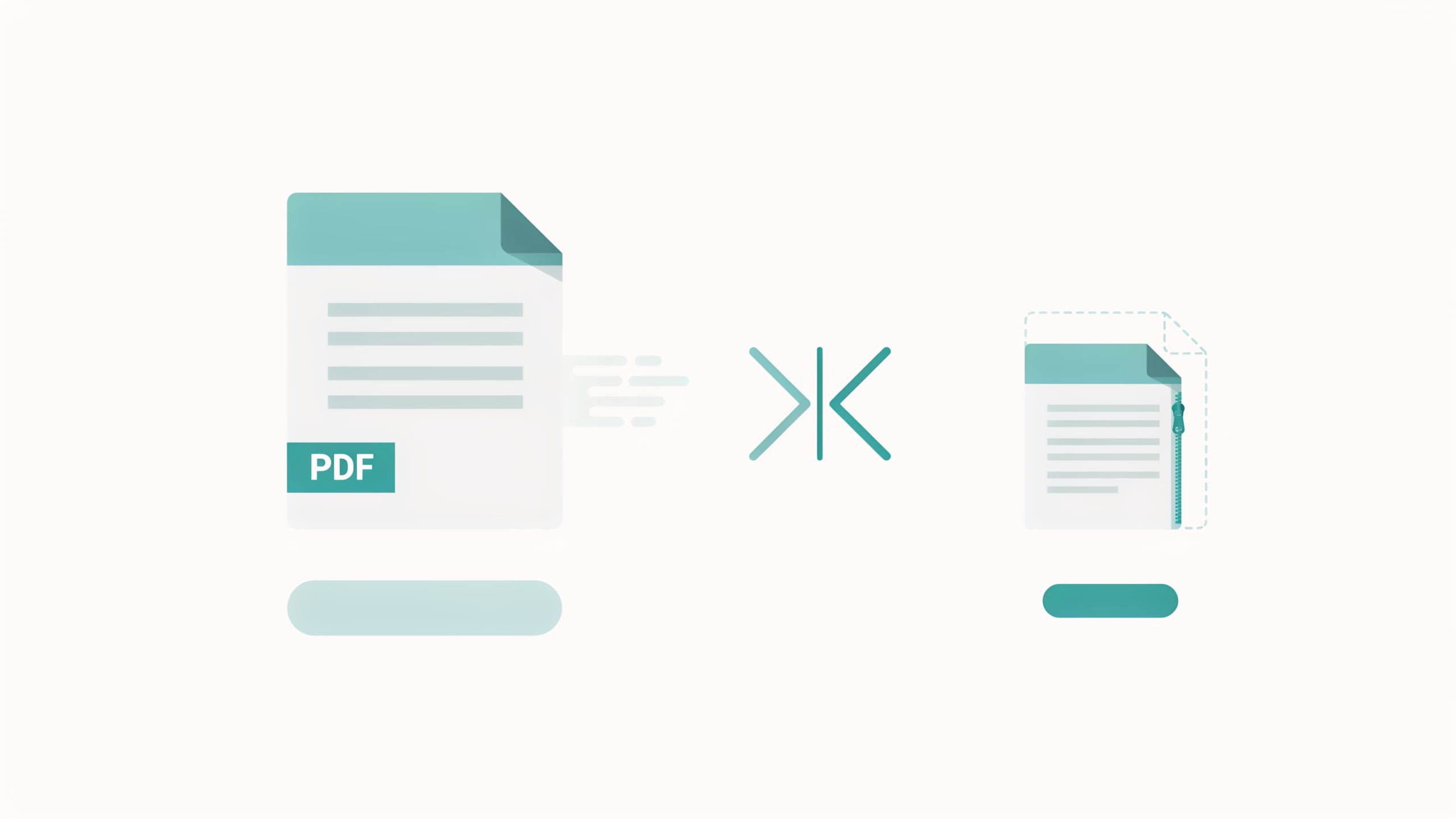
Got a PDF that’s too large to email or upload? FileReadyNow’s free PDF compressor shrinks your file in seconds while keeping text razor-sharp. Pick from three compression levels: Low for best quality, Medium for balance, or High for smallest size. Works right in your browser. Quick signup, no payment, files auto-deleted for privacy.
You attach a PDF to an email and it bounces back. A site rejects your upload with a “max 10 MB” warning. Large PDFs are a daily pain that stops you in your tracks. The good news? Shrinking them doesn’t need clunky desktop software or a pricey subscription. FileReadyNow’s PDF compressor handles the job online, fast, and free.
Most bloated PDFs carry oversized images, leftover metadata, and scanned pages that add megabytes you don’t need. Compression strips away that excess while leaving text untouched, because PDF text is stored as vector outlines, not pixels. After a quick, free signup, you can upload any PDF up to 250 MB, choose a compression level, and download a leaner file in seconds.
How can I compress a PDF without losing quality?
You compress a PDF without visible quality loss by reducing the resolution of embedded images, never touching the text. FileReadyNow’s PDF compressor does exactly that. It automatically scales down image data inside the file, so your text stays crisp and file size drops noticeably.
The tool gives you three levels:
- Low compression: best quality, smallest reduction. Great for when you need a slight trim.
- Medium compression: balanced quality and size. The recommendation for most documents.
- High compression: smallest file size, but images may soften a bit.
Text-based PDFs (invoices, reports, eBooks) will look identical after compression. Image-heavy files like scanned contracts may show a slight difference on High, but still stay perfectly readable.
Here’s how quick it is:
- Sign up free (no payment info needed).
- Drop your PDF or click to browse.
- Pick Low, Medium, or High compression.
- Watch the progress bar, then download the compressed file.
Can I reduce a PDF to exactly 1MB?
Many PDFs can be compressed down to 1 MB, but it depends entirely on the original file. FileReadyNow’s tool automatically pushes the file size down based on your chosen compression level. There’s no manual target-size field, but selecting High compression will squeeze the file as much as possible.
If your original is 5 MB and heavy on images, High compression often gets you near or under 1 MB. For a scan-heavy 20 MB document, the result might still be above 2 MB. The closer you need to get to 1 MB, the more likely you’ll trade some image clarity. That trade-off is normal with any compressor.
How does FileReadyNow’s PDF Compressor compare to Adobe’s compress tool?
Adobe’s PDF compressor is powerful and built into Acrobat Pro, but it comes with a subscription and a larger interface. FileReadyNow’s tool is a lighter, faster alternative that runs entirely in your browser. You skip the install, skip the payment, and still get great compression.
| Feature | Adobe Acrobat | FileReadyNow |
|---|---|---|
| Cost | Subscription required | Free (quick signup) |
| Installation | Desktop app | None, browser-based |
| File size limit | Varies (online free 100 MB) | 250 MB |
| Compression levels | Multiple presets | Low / Medium / High |
| Text quality | Preserved | Preserved (text untouched) |
| Speed | Local processing, can be slower | Online, consistent performance |
Is it safe to upload a PDF online for compression?
Yes, FileReadyNow processes your file securely using 256-bit encryption. Your upload and the compressed copy are automatically deleted from the servers once the download link expires. No one can access your document, and nothing is stored permanently.
The tool never shares or scans your content. You control the entire session. A free account adds a simple privacy layer without asking for payment details, so there’s zero risk of unwanted charges.
Does PDF compression affect image quality?
Compression does reduce the resolution of images inside a PDF, and that can soften them slightly, especially at High compression. Text quality is completely unaffected because text stays as crisp vector outlines. For most everyday documents, the difference is barely visible unless you pixel-peep scanned photos.
Choose Low compression if image clarity is critical and you only need a modest size cut. Pick Medium for a safe balance. High works well when file size matters more than perfectly sharp pictures, like a report meant for email attachment limits.
What kind of PDF files can this compressor handle?
Any standard PDF up to 250 MB works. That covers scanned pages, PowerPoint exports, long reports, eBooks, legal documents, and mixed-content files. You don’t need to pre-process or flatten anything; just upload and compress.
I recently needed to send a 42 MB scanned contract through a secure portal with a 5 MB cap. Using Medium compression, the PDF shrank to under 2 MB, and every signature and clause stayed perfectly sharp. It took less than 30 seconds.
Ready to shrink that PDF?
Stop wrestling with oversized attachments. With FileReadyNow’s PDF Compressor, you’ll have a smaller, cleaner file in seconds. No desktop installs, no payment gateways, just a fast compression that keeps text intact. Sign up free, pick your level, and download a PDF that actually fits the email or upload limit. If you need to merge, split, or convert files afterward, check out more PDF Tools.
Frequently Asked Questions
Do I need an account to use the PDF Compressor?
Yes, a free signup is required. Creating an account takes less than a minute and no payment information is ever asked. Once registered, you can compress as many PDFs as you want.
How long does it take to compress a PDF?
Compression usually finishes in a few seconds. Larger files near the 250 MB limit may take slightly longer, but a progress bar keeps you informed. You can download the compressed file as soon as processing completes.
What happens to my file after I download it?
Your uploaded PDF and the compressed version are permanently removed from the server once the download link expires. No copies are stored or shared, so your data stays private.
Can I compress scanned PDFs?
Absolutely. Scanned documents compress well by reducing the resolution of the embedded page images. The text in the scan stays readable, and the overall file size drops significantly.
Is there a limit on file size?
The maximum file size accepted is 250 MB. If your PDF is larger, you would need to split it first with a separate tool, then compress each part individually.
Table of Contents
Recent Posts

PDF to JPG Blurry? How to Convert a PDF Page With Sharp Text
5 days ago
HEX vs RGB vs HSL vs CMYK: Which Color Code Should You Use?
1 week ago
Video Converter Online Free: Which Format to Pick and Why
2 weeks ago
Audio Trimmer Online Free: Cut, Keep, or Remove Any Section
2 weeks ago
How Strong Should Your Password Actually Be in 2026?
3 weeks ago
HEIC vs JPG: Which Should You Actually Use?
1 month ago