PDF Summarizer Online Free: Get the Key Points Without Reading the Whole Thing

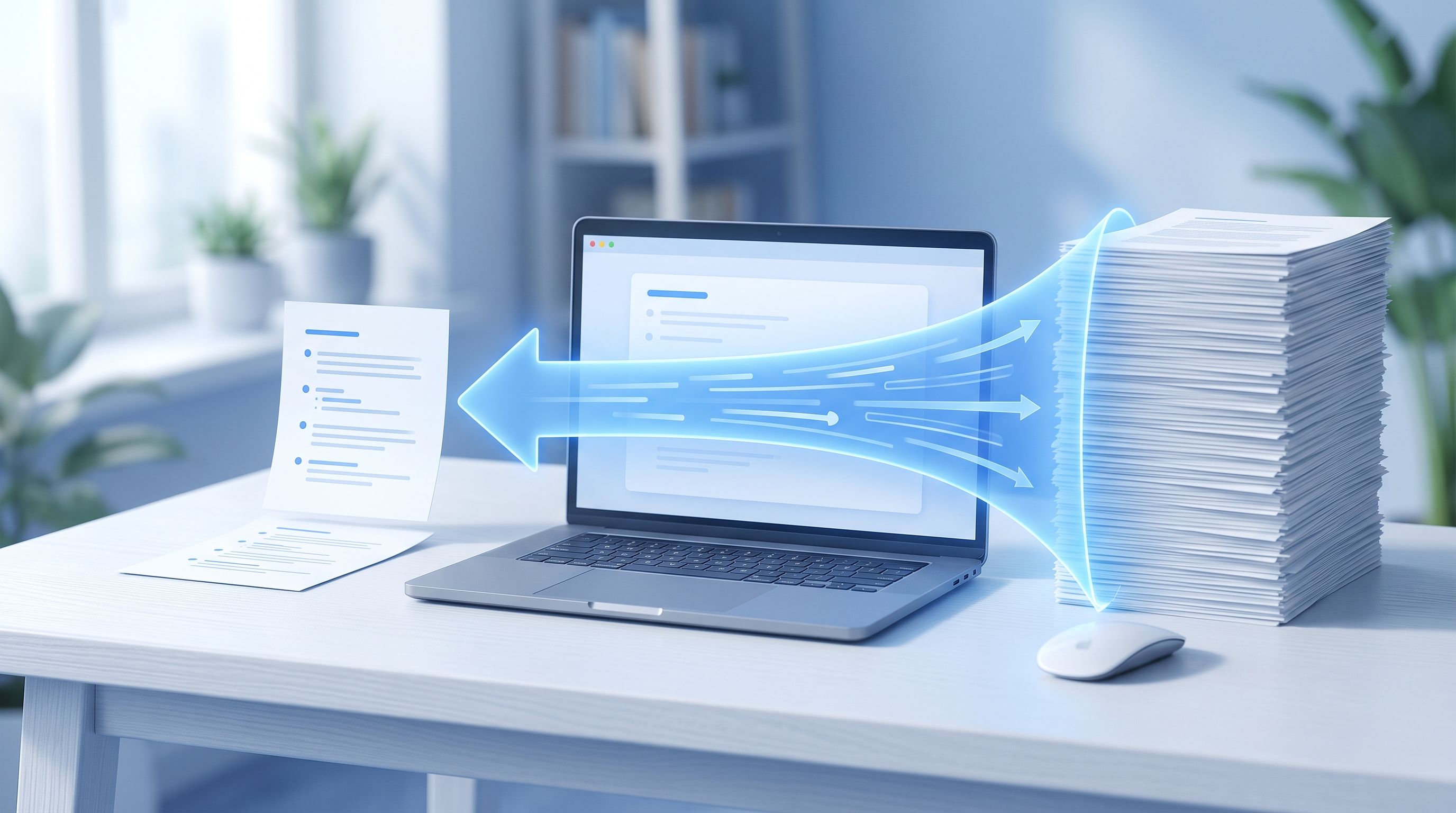
A 40-page vendor contract landed in my inbox the night before a call where I needed to actually understand what we were agreeing to. Reading the whole thing wasn't happening in one evening. I ran it through FileReadyNow's PDF Summarizer, had the main clauses and obligations back in under a minute, and walked into the call knowing what actually mattered instead of skimming the document live while someone was talking.
That's the situation this tool solves. Here's how it works, what kinds of documents it handles well, and what to know about its limits before you rely on it for something important.
How to Summarize a PDF Online for Free
Upload your PDF, click Summarize, and the tool extracts the text, runs it through an AI model, and returns a plain-text summary of the main points directly on the page.
The steps in order:
- Click the upload area or drag your PDF in. Files up to 3 MB.
- Click Summarize PDF to process the document.
- Read the summary on the page, then copy it with one click.
There's no account required, and the file is removed from the server once the summary is generated.
What Kind of PDFs Work Best?
Any text-based PDF with a real, readable text layer. Research papers, business reports, contracts, manuals, and study material all work, since the tool needs actual text to extract and summarize.
Scanned documents and image-only PDFs won't produce a summary, because there's no text layer for the tool to read. If your document started life as a photo or a scan rather than a digitally created file, running it through an OCR step first would be necessary before a summarizer could do anything useful with it.
How Long of a Document Can I Summarize?
Up to 3 MB per file. That covers most standalone reports, papers, and contracts comfortably, since PDF file size is driven mostly by embedded images and formatting rather than page count alone. A 40-page text-heavy contract is often well under that limit, while a 10-page PDF full of high-resolution charts and photos might come closer to it.
If a document is over the limit, splitting it into sections first and summarizing each part separately gets around the ceiling without losing anything.
What Does the Summary Actually Look Like?
A few short paragraphs or bullet points covering the main arguments, findings, or conclusions in the document, not a shortened version of every sentence. The goal is the core ideas, not a condensed transcript.
The quality of what comes back depends on the clarity of what went in. A well-structured report with a clear argument summarizes cleanly. A document that's disorganized or highly technical in a narrow way will produce a summary that reflects that same density, since the tool is working from what's actually on the page rather than filling in context you'd bring yourself as a human reader.
Is My PDF Kept Private?
Your uploaded PDF is processed and then automatically removed from the server once the summary is generated. File transfers use SSL/TLS encryption, and nothing is stored beyond the time it takes to produce the summary.
Worth being upfront about: this tool processes files on the server rather than entirely inside your browser, since generating an AI summary requires more computing power than a browser alone provides. For a public report or a research paper, that's a non-issue. For a contract with confidential terms, that's the trade-off every AI PDF summarizer online makes, since none of them can run a real AI model entirely client-side yet. If a document is genuinely sensitive, redacting names and figures before uploading is a reasonable extra step.
What Do People Actually Use This For?
Anywhere a document is long enough that reading the whole thing isn't the best use of time right now:
- Research papers: get the core findings and methodology before deciding whether the full paper is worth reading in depth.
- Business reports: understand the conclusions before a meeting without reading forty pages the night before.
- Contracts: identify the main clauses and obligations before sending the document to someone for a full legal review.
- Study materials: condense lecture notes or a textbook chapter into something you can review quickly before an exam.
- Newsletters and long articles: get the takeaways from a PDF report or industry newsletter without reading every section.
If your PDF needs to be split into smaller sections before summarizing, or compressed to fit under the 3 MB limit, FileReadyNow's Split PDF and PDF Compressor tools handle those first.
Should I Still Read the Full Document Afterward?
For anything with real consequences, yes. A summary is a starting point for deciding where your attention should go next, not a replacement for reading a contract before signing it or a paper before citing it.
Where this tool earns its place is triage: deciding which of five reports actually needs your full attention today, or walking into a meeting already knowing the shape of a document instead of hearing about it cold. For lower-stakes reading, a newsletter, a general report, an article, the summary alone is often genuinely enough.
Do I Need an Account to Use This Tool?
No. There's no registration and no watermark on the output. Upload a PDF, get a summary, copy it, and you're done.
The one limit worth knowing is the 3 MB file size cap, which applies per document rather than per day, so there's no daily limit on how many PDFs you summarize.
Frequently Asked Questions
What is a PDF summarizer?
An AI-powered tool that extracts and condenses the important information from a long PDF into a short, clear summary.
Is the PDF Summarizer free to use?
Yes, it's completely free with no signup required.
What's the maximum file size?
3 MB per PDF. For larger files, split the document into sections first and summarize each part separately.
Can I summarize a scanned PDF?
No. The tool needs a real text layer to extract from, which scanned or image-only PDFs don't have.
How accurate are the summaries?
The tool uses an AI model to identify the main points, and accuracy reflects how clearly the source document itself is written and structured.
Is my PDF content secure?
Yes. PDFs are processed over an encrypted connection and deleted from the server once the summary is generated.
Can I copy the summary somewhere else?
Yes, there's a one-click copy button so you can paste it into notes, emails, or another document.
Conclusion
Not every long PDF deserves a full read before you know whether it's worth your time. FileReadyNow's PDF Summarizer gets you the main points in seconds, whether that's deciding which report to actually dig into or walking into a meeting already knowing what's in the document. Next time a long PDF lands in your inbox, get the summary first and decide from there.
Table of Contents
Recent Posts

PDF to JPG Blurry? How to Convert a PDF Page With Sharp Text
5 days ago
HEX vs RGB vs HSL vs CMYK: Which Color Code Should You Use?
1 week ago
Video Converter Online Free: Which Format to Pick and Why
2 weeks ago
Audio Trimmer Online Free: Cut, Keep, or Remove Any Section
2 weeks ago
How Strong Should Your Password Actually Be in 2026?
3 weeks ago
HEIC vs JPG: Which Should You Actually Use?
1 month ago