Remove Image Background Free: Instant Online Tool (No Signup)

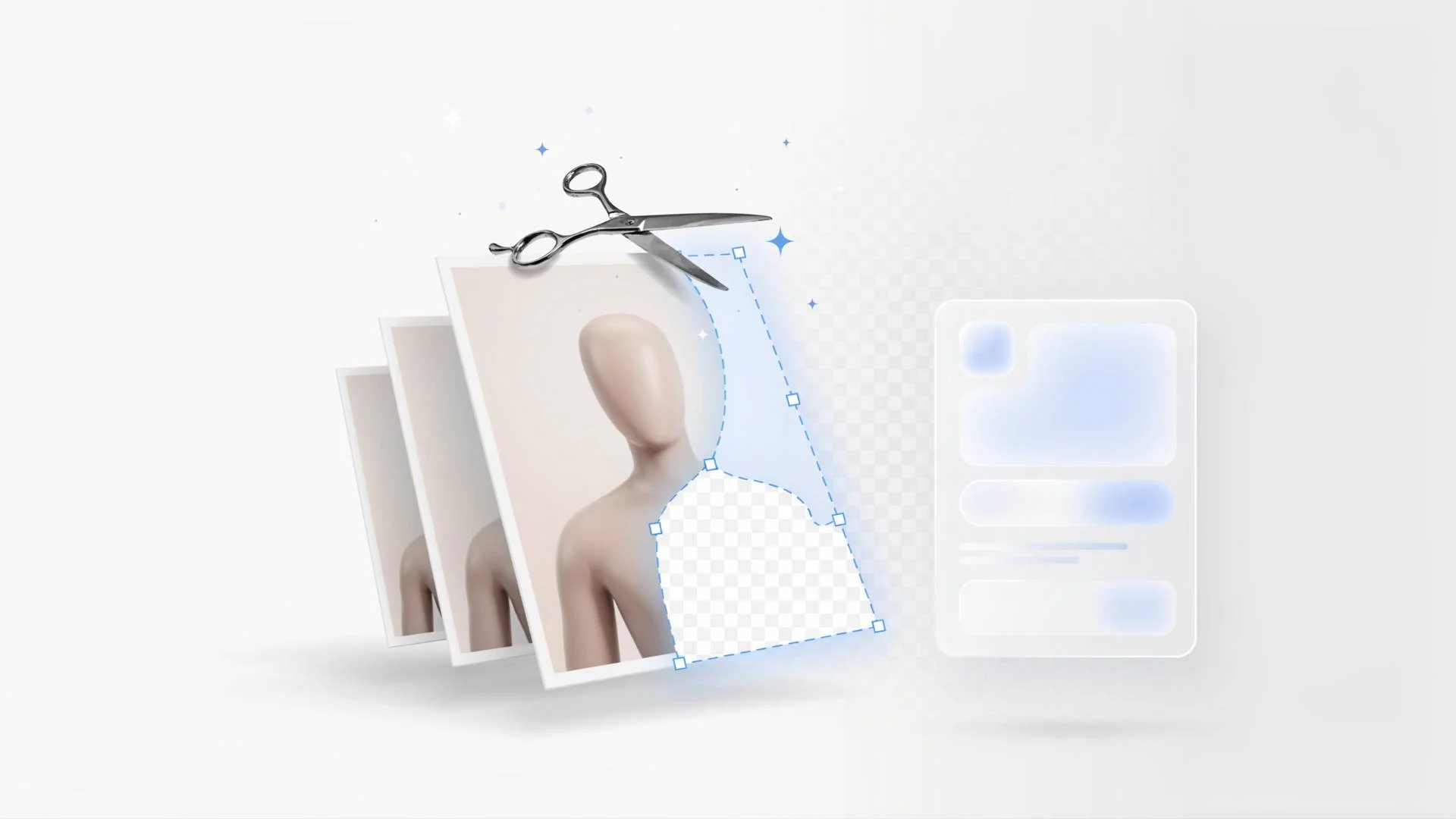
TL;DR: FileReadyNow's Background Remover is a completely free, no-signup online tool that instantly strips away image backgrounds. It supports JPG, PNG, WEBP, and BMP files up to 10 MB, delivering transparent PNGs or white-background JPGs at full resolution with no watermark. Ideal for product photos, profile pictures, or any quick background removal without Photoshop.
You have a perfect photo but the background is distracting. Maybe it’s a product shot for your Shopify store or a headshot you want to use on a flyer. You don’t own Photoshop. You don’t want to tinker with lasso tools or pay a subscription. There’s a simpler way. Upload your image to Background Remover at FileReadyNow, let the AI do its thing, and download a clean cutout in seconds. I recently helped a friend who sells handmade candles on Etsy. Her photos had busy kitchen counters behind them. After running them through this free tool, her listings looked crisp and professional. She didn’t learn any design software. That’s the whole point.
How do I remove a background from an image for free?
You can pull the background off any photo without paying a dime by using a free browser tool. FileReadyNow’s Background Remover detects the subject automatically and gives you a transparent PNG or white-background JPG. There’s no signup, no watermark, and no hidden cost.
Here’s how it works:
- Go to the free background remover page.
- Drag your image onto the upload area or click to browse. JPG, PNG, WEBP, and BMP are accepted, as long as the file is under 10 MB.
- The AI processes it in a few seconds. You’ll see a slider to compare the original and the background-free version.
- Click “Download PNG” for a transparent background, or “Download JPG” for a solid white background. Both are full resolution and watermark-free.
The AI handles most subjects well: people, objects, even some hair and fur details. If an edge looks a little soft, that’s typically because the original photo had low contrast with the background. For best results, use a photo where the subject stands out from the surroundings.
Is this online background remover really free?
Yes, it’s genuinely free. You won’t hit a paywall after your first download, you won’t see a watermark slapped on the output, and you never need to create an account. The tool is accessible to everyone, right now, with no strings attached.
Many “free” background removers either add a watermark, compress the image, or cap you at two or three downloads before asking for money. This one doesn’t. You can use it as many times as you need. The only restriction is the 10 MB file size limit, which covers nearly all JPG and PNG photos from smartphones and cameras. The processed file is deleted from the server within 15 minutes, so your image stays private.
Can I remove the background from a photo on my iPhone or Android?
Absolutely. The Background Remover works in any mobile browser. On an iPhone, you could use the built-in Photos app (iOS 16 and later) by long-pressing a subject and lifting it, but that only works on newer iPhones. Android users don’t have a system-level option. For everyone, this browser tool works the same: open Safari or Chrome, upload your photo, and get a transparent PNG back.
The interface resizes for smaller screens, so tapping the upload box and choosing your photo is straightforward. After processing, the download buttons appear right under the comparison slider. Tap “Download PNG” and the file saves to your device. No app to install, no space taken up.
What image file types can I use with this background remover?
You can upload JPG, JPEG, PNG, WEBP, and BMP images. The file size must stay under 10 MB. That covers everyday formats: photos from your phone (JPG/JPEG), transparent PNGs you want to re-edit, web-optimized WEBP images, and even uncompressed BMP files.
The output is flexible too. Choose a transparent PNG if you plan to composite the subject onto another design. That’s what Amazon, Etsy, and eBay product listings expect. Choose the white-background JPG for a clean, standalone photo ready for presentations or social media. Both retain the original resolution without any watermark or quality loss.
Free background remover vs Adobe: Which one to use?
Adobe’s background removal tools are built into Express and Photoshop. They work well, but they come with conditions. Photoshop requires a paid subscription. Adobe Express has a free tier, but you must sign up for an Adobe ID, and some features are limited after a few uses. For a quick, no-account-required removal, this free tool is the simpler choice.
Here’s how they line up side by side:
| Feature | FileReadyNow Background Remover | Adobe Express (Free) | Adobe Photoshop |
|---|---|---|---|
| Cost | Free | Free (with Adobe ID) | Paid subscription |
| Account required | No | Yes | Yes |
| Watermark on output | None | None | None |
| Upload formats | JPG, PNG, WEBP, BMP | JPG, PNG | Many, including PSD, TIFF |
| Output background | Transparent PNG, white JPG | Transparent PNG | Transparent PNG, many options |
| Best for | Instant, no-hassle removal | Quick edits with Adobe account | Advanced compositing and editing |
If you need pixel-level refinements, Photoshop can’t be beat. But if you just need a clean cutout for a product page, social media post, or design mockup, the file-readiness of this tool wins on speed and simplicity.
How to quickly remove product photo backgrounds for online selling
Upload your product shot to the free Background Remover, let the AI strip the background, and download the transparent PNG. That’s the exact file type Amazon, Shopify, Etsy, and eBay request for product listings. No graphic design experience necessary.
Many new sellers think they need a professional photographer or Photoshop to get that clean white-background look. You don’t. A decent phone photo with even lighting works perfectly. Just make sure the product is clearly visible against a simple background (a white wall, a plain sheet). The AI will do the rest. You can then place the transparent PNG onto any colored backdrop or keep it transparent for the marketplace.
Give the free Background Remover a try for your next product photo. You might be surprised how much faster it is than manual editing, and you’ll have your listing picture ready in under a minute. For other helpful utilities, check out more Image Tools on FileReadyNow.
Frequently Asked Questions
Can I really remove a background for free with no watermark?
Yes. This background remover is completely free. No signup, no subscription, and the output PNG or JPG has no watermark. You can use it as often as you need without hitting any paywall.
Will the background remover work on my iPhone or Android?
It works on any smartphone browser. Open Safari on iPhone or Chrome on Android, go to the Background Remover page, upload your photo, and download the result. No app download needed.
How long does it take to remove a background?
Most images process in a few seconds. After you upload, the AI automatically identifies the subject and removes the background. You’ll see a before-and-after slider, and then you can download immediately.
What’s the best way to remove background from product photos?
Use a free online background remover that returns a transparent PNG. Upload your product photo, and the tool will handle the cutout. That transparent PNG is exactly what marketplaces like Amazon and Etsy require.
Are my images kept private after uploading?
Absolutely. Your uploaded file is permanently deleted from the server within 15 minutes. No one else can access it, and it isn’t stored or shared.
Table of Contents
Recent Posts

PDF to JPG Blurry? How to Convert a PDF Page With Sharp Text
5 days ago
HEX vs RGB vs HSL vs CMYK: Which Color Code Should You Use?
1 week ago
Video Converter Online Free: Which Format to Pick and Why
2 weeks ago
Audio Trimmer Online Free: Cut, Keep, or Remove Any Section
2 weeks ago
How Strong Should Your Password Actually Be in 2026?
3 weeks ago
HEIC vs JPG: Which Should You Actually Use?
1 month ago