Text Compare Tool: Spot Document Differences Instantly

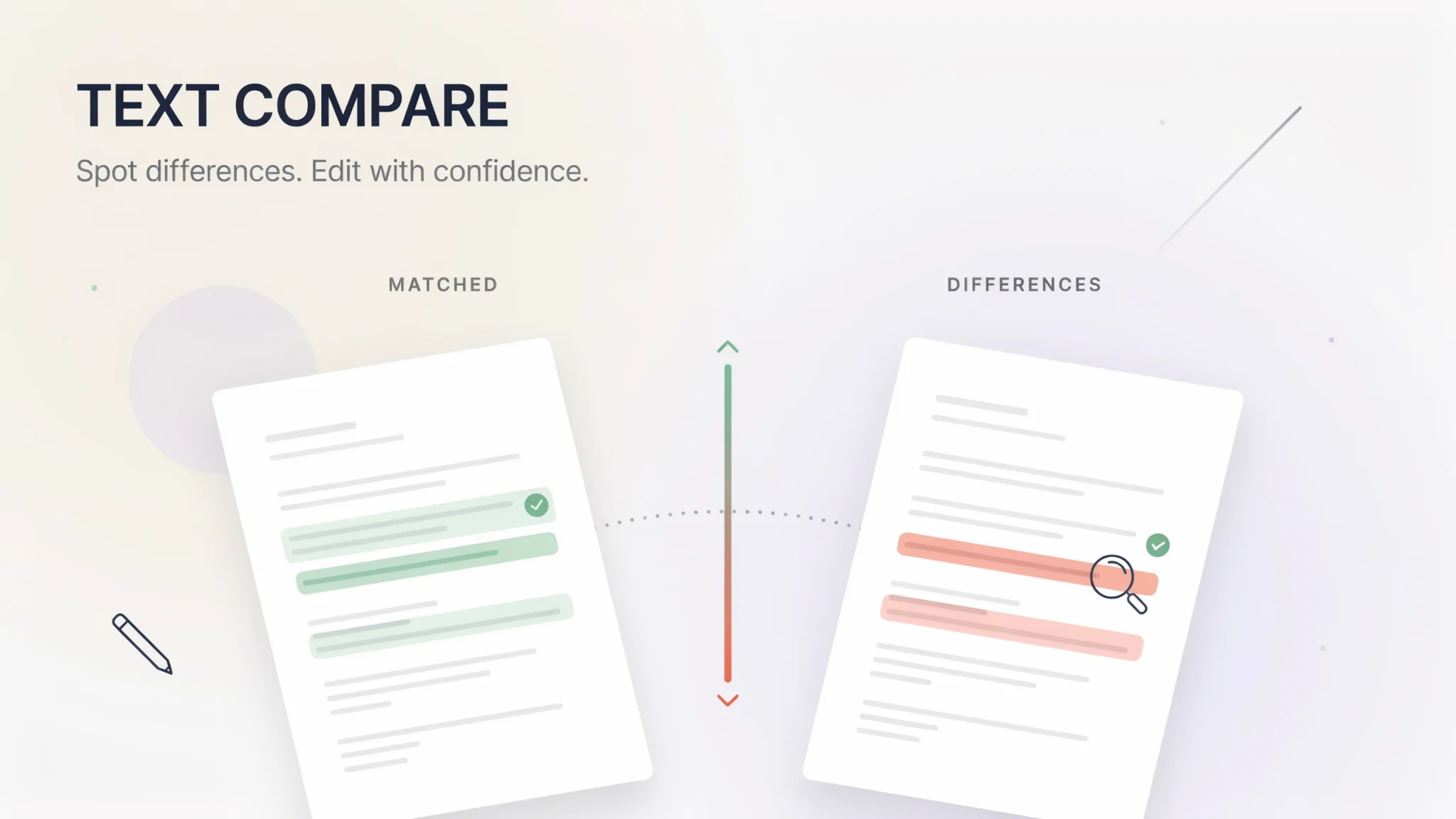
TL;DR: FileReadyNow's Text Compare tool quickly spots differences between two blocks of text. Paste both versions, click Compare, and see changes highlighted: green for additions, red for deletions. No uploads, no signup, and everything happens in your browser for privacy. Perfect for writers, coders, and anyone who needs to compare drafts. Try the free Text Compare tool now.
Staring at two versions of a contract, trying to find that one changed word, is frustrating. Before I started using FileReadyNow’s Text Compare tool, I wasted way too much time doing that manually. If you’ve ever needed to compare documents, code, or any text, this free online tool is a lifesaver. You simply paste your original and revised texts side by side, hit Compare, and every difference lights up in red and green. No account, no upload, no waiting. It lives in the Productivity Tools section and it’s one of those simple utilities you’ll wonder how you lived without.
How Does the Text Compare Tool Work?
You copy the original text and the new version, paste them into two large text boxes, and click ‘Find Difference.’ Instantly, the tool shows a side-by-side comparison with added words highlighted in green and removed words in red. The processing happens in your browser, so results are immediate.
You also see a change summary at the top that counts additions, deletions, and unchanged lines, so you get a quick overview. The tool offers two comparison modes: word-level and character-level. Here’s what each mode catches:
- Word-level: Full words that were added or removed
- Character-level: Single letter or punctuation changes
This is helpful because I’ve caught missing commas in legal wording that changed the meaning of a clause. Character-level mode made it obvious.
What Types of Documents Can I Compare?
Any text you can copy and paste works here. Drafts, code snippets, legal contracts, student essays, emails, if it’s text, the Text Compare tool will show the differences.
Because the tool strips away all formatting, you don’t have to worry about whether the original was in Word, Google Docs, or a plain notepad file. Just copy the content, paste it in, and compare. For example, a freelance writer might check what an editor changed in their article before accepting the revisions. Or a developer can quickly spot a bug introduced by a colleague’s code change.
Is My Text Safe and Private?
Absolutely. Your text never leaves your browser. FileReadyNow does not upload, store, or log any of the text you compare. The entire diff runs locally. That makes it safe for confidential documents you wouldn’t want to send to a third party.
No account is needed, and there’s no way anyone else can see your data. This is a big advantage over tools that require you to upload files to a cloud service for processing.
Does It Compare Formatting Like Bold or Italics?
No, it only compares the raw text. If you paste a Word document with bold headlines and color fonts, the tool will ignore those styles and only look at the words themselves. Changes in formatting will not appear in the diff.
This means you can still compare text from formatted documents, just be aware that you’re comparing content, not presentation. For most proofreading and content review tasks, that’s exactly what you need.
Why Use FileReadyNow's Text Compare Over Other Diff Tools?
This tool is free, instant, and privacy-first. You don’t need an account, you don’t upload files, and there’s no limit on the number of comparisons. The clean side-by-side view and optional character-level comparison are features often missing in other simple diff checkers.
Many online diff tools show only inline diffs or require file uploads. This one gives you a clear parallel layout and a change summary, all in the browser. Plus, it works just as well on your phone as on a desktop.
Conclusion
Next time you need to compare two document drafts, don’t waste time scanning lines manually. The FileReadyNow Text Compare tool handles the heavy lifting in seconds. Paste your texts, spot every change, and move on with your day. It’s completely free and ready whenever you need it. Start comparing now, and while you’re there, browse all Productivity Tools for more handy utilities.
Frequently Asked Questions
Is the Text Compare tool free to use?
Yes, there is no cost and no signup required. You can use it as many times as you want from any browser.
Can I compare very long documents?
The tool handles reasonably large text inputs. Extremely long files might take a few more seconds to process, but most documents will compare instantly.
Do I have to upload my files to compare them?
No. You just copy and paste the text directly into the tool. There is no file upload needed, which keeps your data more secure and the process faster.
Does it show formatting differences from programs like Word?
No, it compares only the text content, not styling. If you paste text from a formatted document, any bold, italic, or font changes will be ignored.
Is my text kept private and secure?
Yes. Everything happens locally in your browser. Your text is never sent to a server or stored anywhere after your session ends.
Table of Contents
Recent Posts

PDF to JPG Blurry? How to Convert a PDF Page With Sharp Text
5 days ago
HEX vs RGB vs HSL vs CMYK: Which Color Code Should You Use?
1 week ago
Video Converter Online Free: Which Format to Pick and Why
2 weeks ago
Audio Trimmer Online Free: Cut, Keep, or Remove Any Section
2 weeks ago
How Strong Should Your Password Actually Be in 2026?
3 weeks ago
HEIC vs JPG: Which Should You Actually Use?
1 month ago