Top 5 Free Color Code Generators That Actually Help You Choose Better Colors

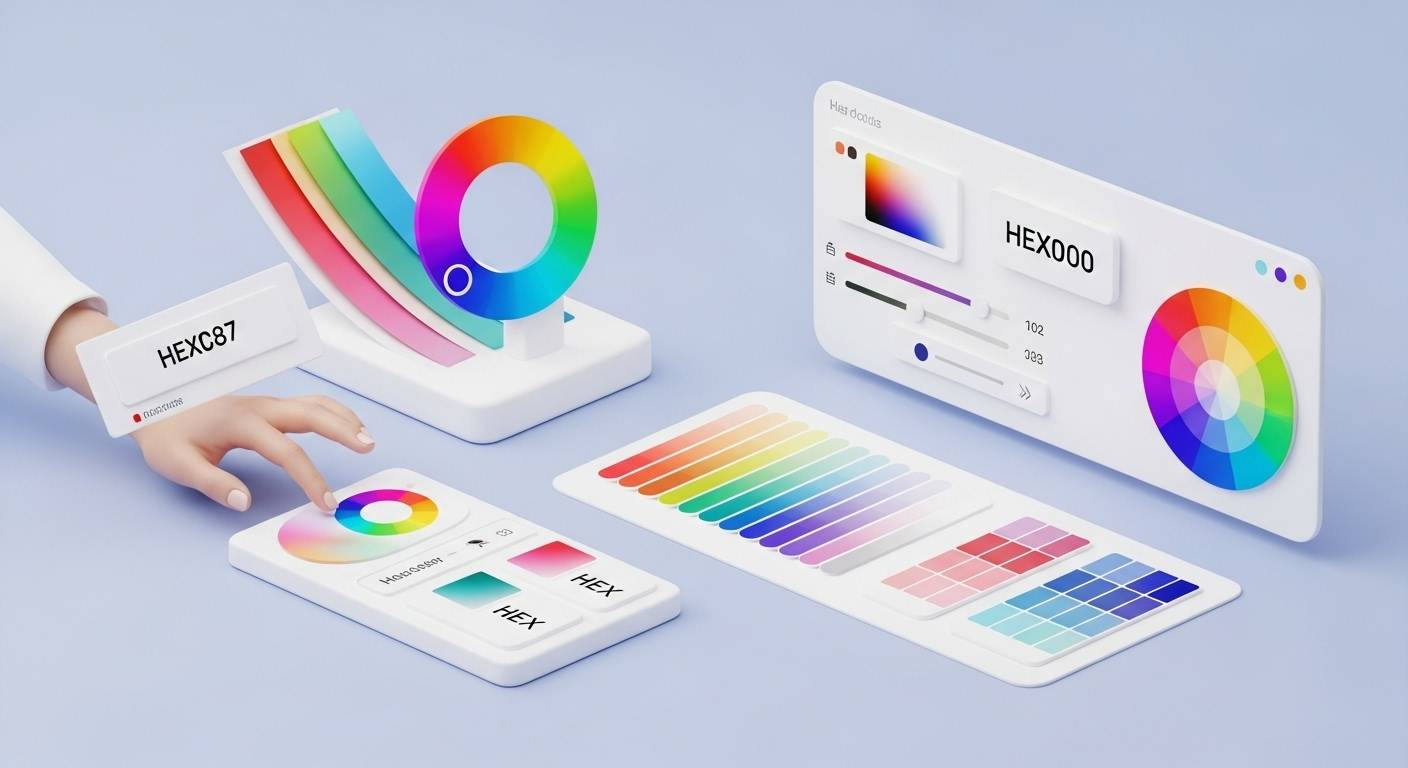
Color picking sounds simple until you actually sit down to design something. Whether it is a website, an app interface, a social media post, or even a presentation template, getting the color right takes more time than most people expect. You might fall in love with a shade on your screen, but then spend 20 minutes trying to find the exact color in hex code form. Or maybe you need matching palette shades, but everything you try looks slightly off.
I have been there many times. And if you are reading this, chances are you are tired of switching between tabs, copying HEX values, adjusting shades, and trying to build a palette that doesn’t look chaotic.
So I tested a bunch of tools. Dozens of them. And finally narrowed things down to the top 5 free color code generators that consistently made my design workflow smoother. I’m sharing them here with honest feedback, hoping it saves you the headache I went through.
Why Designers Need a Color Code Generator (Even for Simple Projects)
- Recreate colors consistently across screens
- Build palettes based on harmony
- Find complementary shades quickly
- Improve readability and accessibility
- Export accurate HEX values without guessing
And because most people do not want to download heavy software for simple tasks, online generators have become a lifesaver.
How to Generate Hex Color Codes Easily
If your main goal is to generate hex color codes quickly, the process should not take more than a few seconds:
- Open any lightweight HEX generator tool.
- Choose or randomize a color.
- Copy the HEX value.
- Paste it directly into your CSS or design tool.
Simple workflow. No complications. And the tool that made this extremely easy for me is the first one on this list.
1. FileReadyNow Color Code Generator
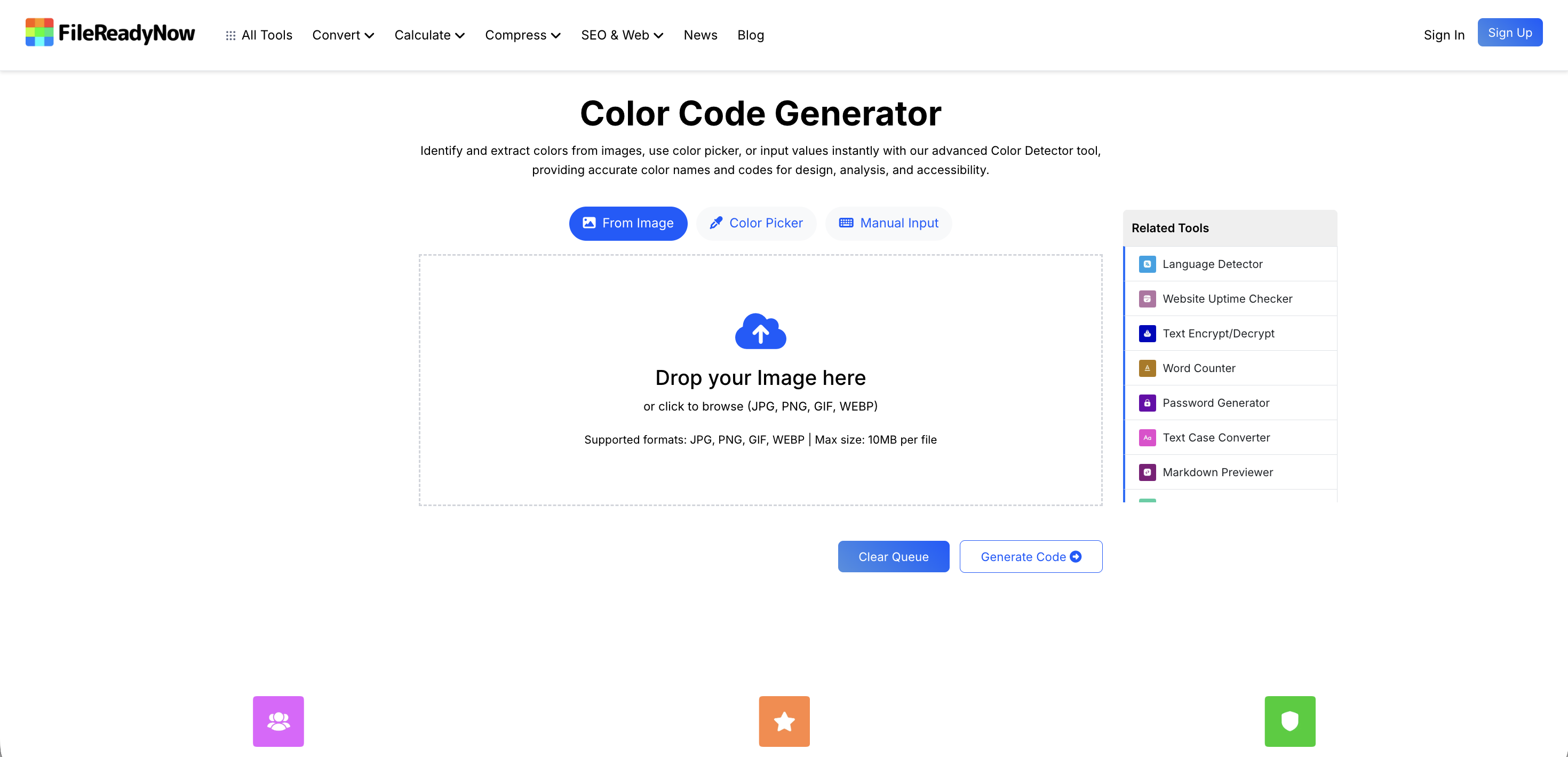
FileReadyNow quickly became my favorite because it focuses on one thing and does it well. It lets you instantly generate new HEX colors without unnecessary features. The interface is clean, fast, and perfect for quick tasks.
What makes it helpful:
- Loads instantly
- Lets you copy HEX values without extra steps
- Helps when you need solid, distraction-free colors and hex codes
- Great for designers, developers, and content creators
- Works perfectly when all you need is a reliable hex color code generator
If your priority is speed and simplicity, this is easily the best tool on the list.
2. Coolors
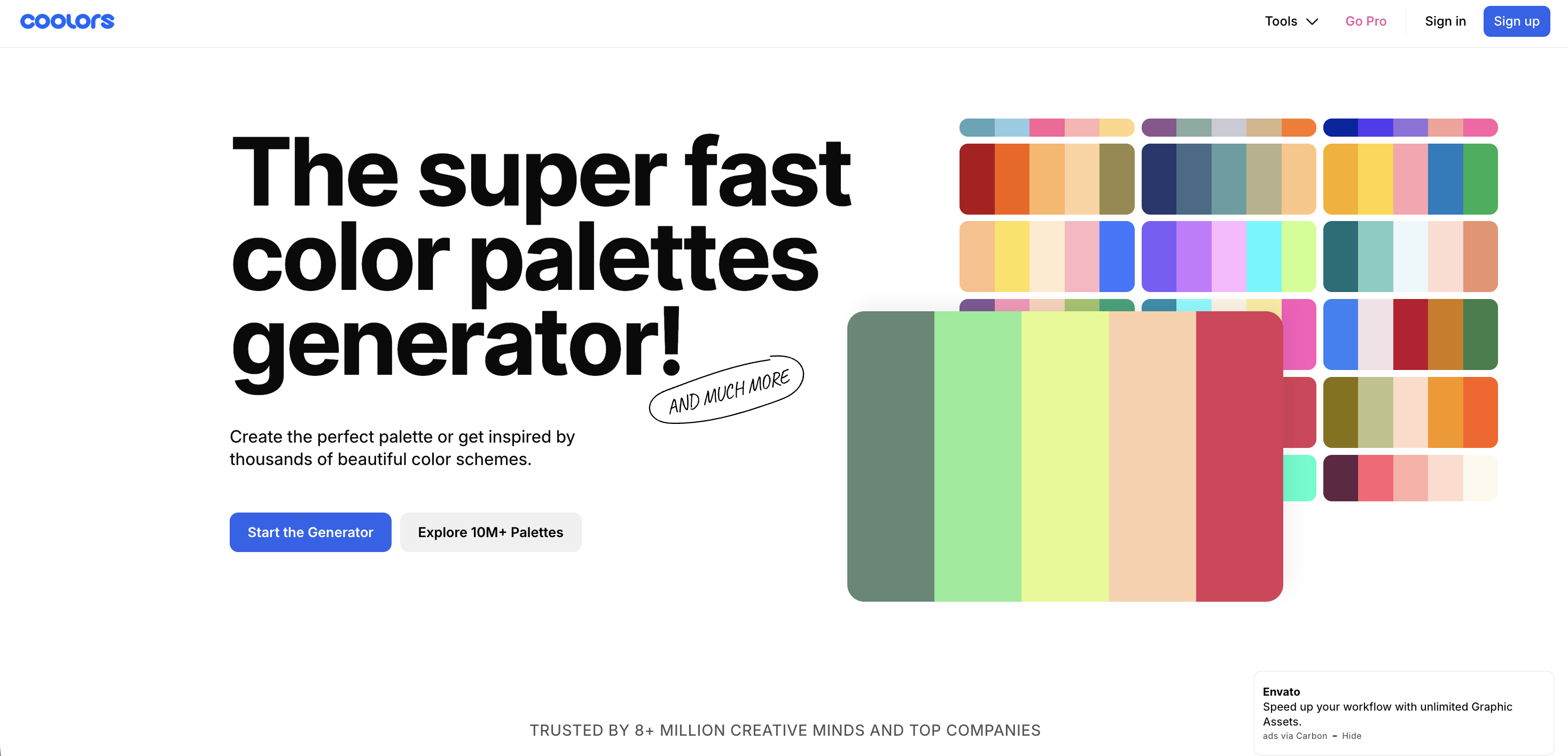
Coolors is perfect when you want creativity, variety, and ready-made palettes. You press the spacebar, and it keeps generating new color combinations. It is great for branding, UI themes, and quick inspiration.
Why it stands out:
- Easy palette locking
- Smooth randomizer
- Exports HEX, RGB, HSL
- Ideal for beginners and pros
Coolors is what I use when I need a proper “mood” instead of just a single HEX value.
3. Color Hunt
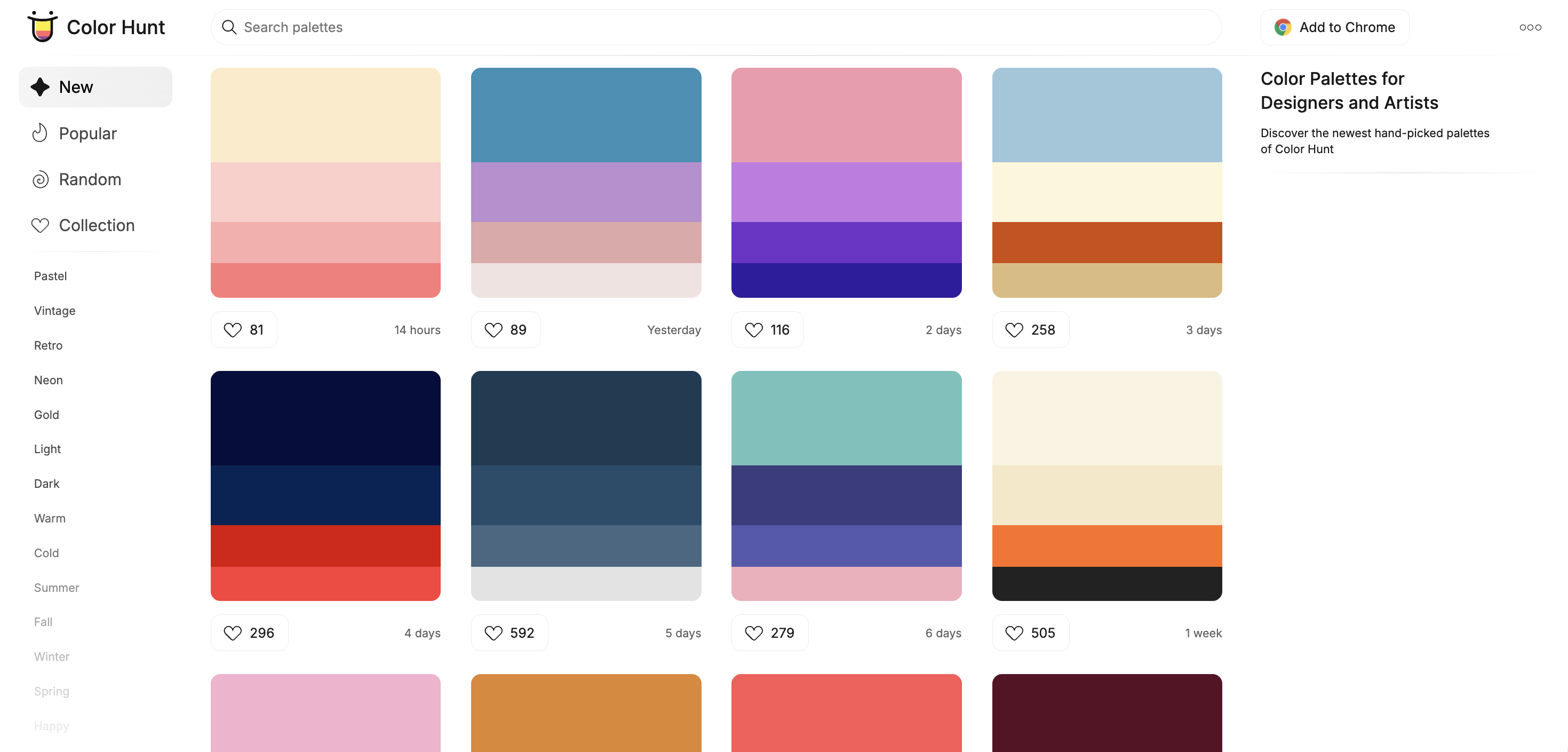
Color Hunt is more of an inspiration library than a generator, but it is incredibly helpful when your mind goes blank. The community-made palettes look aesthetic, balanced, and ready to use.
Best for:
- Finding new palette styles
- Browsing trendy color combinations
- Creative brainstorming
- Building visuals without starting from scratch
It’s a great place to explore and then refine colors using another tool.
4. Adobe Color
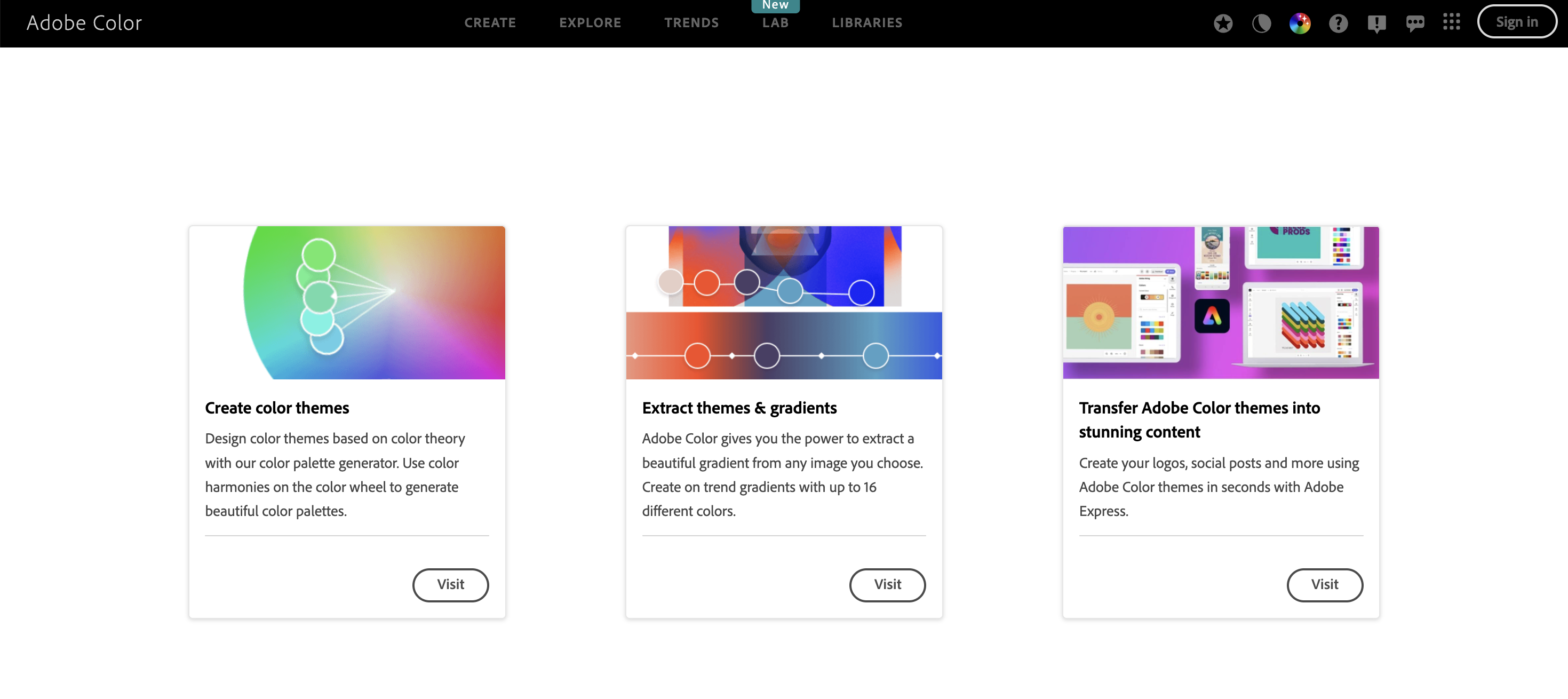
Adobe Color is the most advanced tool in this list. It follows color theory rules like triad, analogous, and complementary, which is perfect for professional UI or branding work.
Why it’s useful:
- Harmony-based palette generator
- Accessibility contrast checker
- Custom color wheel
- Perfect for deep understanding of color relationships
If you want precision, logic, and harmony, Adobe Color is the one to choose.
5. ColorSpace
ColorSpace is a middle ground between simple and creative. You enter one HEX color, and it automatically generates gradients, palettes, and related shades.
Ideal for:
- Expanding a single brand color
- Creating gradients fast
- Getting palette variations
- Visual experimentation
Great when you already know one base color and want the rest to match perfectly.
How Do I Choose the Right Colors for My Design?
- Start with emotion: Colors carry feelings—blue feels calm, red feels bold, green feels natural.
- Pick one main color: Use a generator to find your perfect base shade.
- Add supporting shades: Use Adobe Color or ColorSpace for harmony.
- Check contrast: Crucial for UI and text.
- Test across backgrounds: A color that looks great on white may fail on dark mode.
What Is the Best Tool for Beginners?
If you are new to design or simply need straightforward HEX values, FileReadyNow is the easiest. It is simple, fast, and does not overload you with theory.
For beginners, I recommend:
- FileReadyNow for single HEX colors
- Coolors for exploration
- Color Hunt for inspiration
Final Thoughts
There are hundreds of color tools online, but only a few make your workflow smoother instead of more complicated. FileReadyNow is the fastest option when you just need a clean way to generate hex color values. Coolors and Color Hunt help spark creativity. Adobe Color and ColorSpace bring structure and harmony.
The right color can change how people feel about your design, and the right tool can save you countless hours.
If you found this helpful, feel free to share your favorite color tools too. Designers always learn from each other.
Table of Contents
Recent Posts

PDF to JPG Blurry? How to Convert a PDF Page With Sharp Text
5 days ago
HEX vs RGB vs HSL vs CMYK: Which Color Code Should You Use?
1 week ago
Video Converter Online Free: Which Format to Pick and Why
2 weeks ago
Audio Trimmer Online Free: Cut, Keep, or Remove Any Section
2 weeks ago
How Strong Should Your Password Actually Be in 2026?
3 weeks ago
HEIC vs JPG: Which Should You Actually Use?
1 month ago